Printer Maintenance · Boksburg & East Rand
How to Extend the Life of Your Office Printer: A Simple Weekly Maintenance Guide
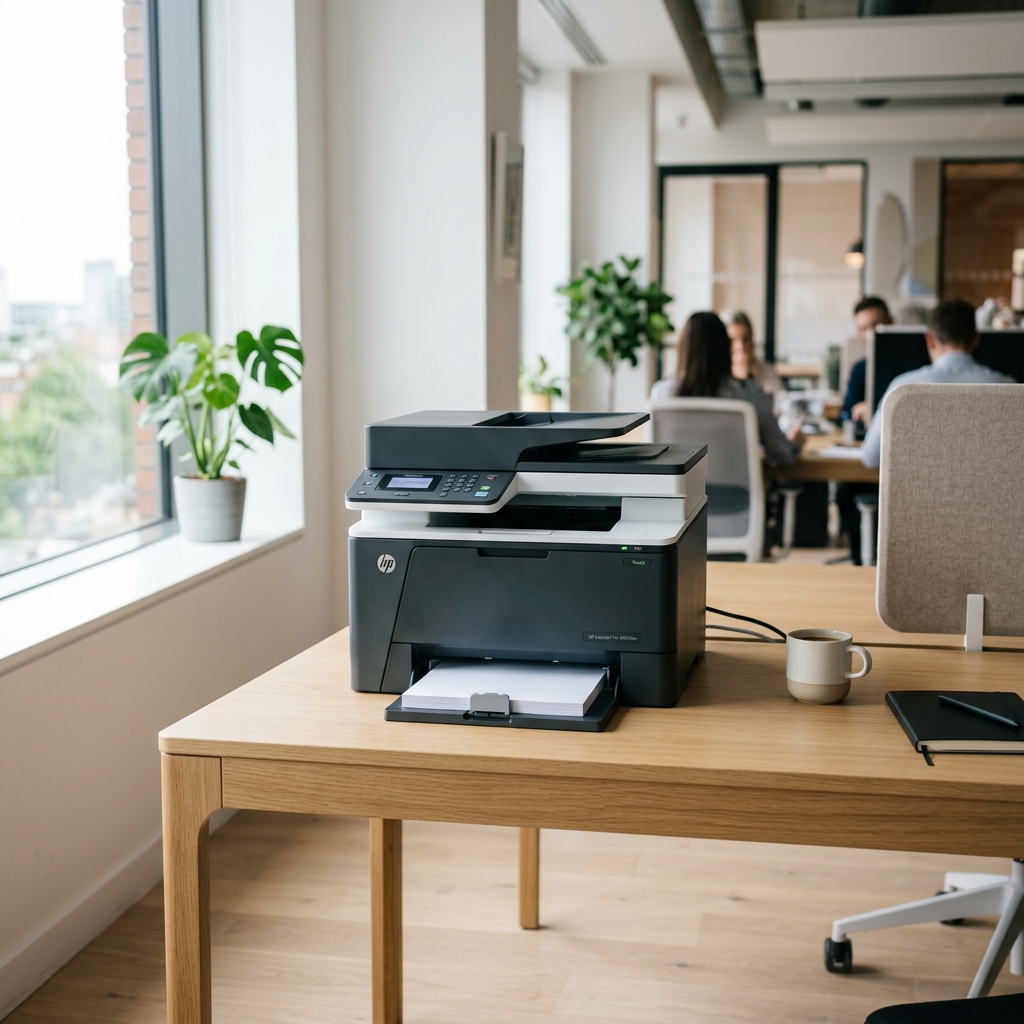
Just like a car, your printer needs regular maintenance — and just like a car, ignoring it doesn't make the problem go away. It just makes the eventual repair more expensive. The good news? Most of what keeps a printer healthy takes less than 10 minutes a week. Here's the complete routine, broken down by daily habits, weekly tasks, monthly checks, and when to call a professional.
Your Printer Maintenance Schedule at a Glance
Before we get into the detail, here's the full maintenance schedule in one place. Save this or print it out.
| Task | How Often | Time Required |
|---|---|---|
| Print a test page to keep ink flowing | Weekly | 1 min |
| Wipe down exterior & clear paper tray | Weekly | 2 min |
| Check ink / toner levels | Weekly | 1 min |
| Clean interior with compressed air | Monthly | 5 min |
| Run print head cleaning cycle (inkjet) | Monthly | 3 min |
| Inspect drum unit output for streaks | Quarterly | 2 min |
| Check roller condition & feed path | Quarterly | 5 min |
| Professional on-site service | Annual | Booked visit |
Weekly: The 4-minute routine that prevents 80% of problems
Most printer failures are not dramatic events — they're the result of weeks of small neglect that compounds into a breakdown. These three habits take less than five minutes and prevent the majority of common issues.
1. Print at least one page
This is the most overlooked tip in printer care, especially for inkjet users. When an inkjet printer sits idle, the ink in the nozzles begins to dry out. Over days and weeks, dried ink partially or fully blocks the nozzles — leading to streaky output, missing colours, or a print head that needs professional cleaning or replacement.
Print a colour test page from your printer's settings menu — not just a black text document. This exercises all ink channels, not just black. On most HP, Canon, and Brother printers, you'll find this under Settings → Reports → Print Quality Page.
2. Clear the paper tray and wipe the exterior
Paper dust and cut fibres accumulate in the feed tray every time you load paper. Over time, this debris works its way into the feed rollers and paper path — the number one cause of recurring paper jams. Remove all paper from the tray weekly, wipe the tray with a dry cloth, and reload. Takes 90 seconds.
3. Check ink and toner levels
Running a cartridge completely dry — especially in an inkjet — can damage the print head. Most printers show ink levels in the software dashboard. Check weekly and replace when you hit 15–20% remaining, not when the printer throws an error.
Monthly: Clean what you can't see
The interior of your printer accumulates dust, toner particles, and paper fibres that you can't see from outside. A monthly internal clean prevents this build-up from affecting print quality and mechanical performance.
4. Use compressed air on the interior
Open the printer's main access panel (where you load cartridges or toner) and use a can of compressed air to clear dust from the interior. Work from back to front so you're pushing debris toward the access opening, not deeper into the machine.
Important: Keep the compressed air nozzle at least 10cm from any component. Never use a damp cloth inside the printer — moisture and electronics are a bad combination. Avoid a household vacuum cleaner — the static charge can damage sensors and circuit boards.
5. Run a print head cleaning cycle (inkjet printers only)
Most inkjet printers have a built-in nozzle check and cleaning cycle accessible through the printer software. Run this once a month to flush any partially dried ink from the nozzles before it becomes a permanent blockage. This uses a small amount of ink — that's normal and intentional.
HP: HP Smart app → Printer Maintenance → Clean Printhead | Canon: Settings → Maintenance → Cleaning | Brother: Ink → Cleaning → All
Quarterly: Catch problems before they become expensive
Once every three months, give your printer a slightly deeper inspection. You're not doing repairs — you're checking for early warning signs that something needs attention before it turns into a breakdown.
6. Inspect print output for drum unit warning signs
The drum unit (also called the imaging unit) is responsible for transferring toner onto paper. When it begins to wear out, it produces very specific symptoms that are easy to identify if you know what to look for.
🔍 Drum Unit Warning Signs — Check Your Prints For:
If you notice any of these, don't keep printing — continued use with a worn drum can contaminate other internal components and turn a R500 drum replacement into a R2,000 repair.
7. Check the paper feed rollers
Feed rollers are the rubber wheels that pull paper through the printer. Over time they wear smooth and lose their grip, leading to paper jams, misfeeds, and double-feeds. Quarterly, open the paper tray and visually inspect the rollers — they should look dark rubber, not shiny or glazed. A glazed roller needs cleaning or replacement.
Annually: Get a professional to look under the hood
Your quarterly checks catch symptoms. A professional technician finds the causes — and the problems that haven't shown symptoms yet.
An annual on-site service from a qualified printer technician covers the mechanical internals you can't safely access yourself: the fuser assembly, gear trains, sensor calibration, and deep cleaning of the drum and feed system. Think of it as a full service for a machine that runs every day of your working life.
For high-volume printers running 500+ pages per month, a 6-monthly professional service makes better financial sense — the wear rate is higher and the cost of an unplanned breakdown is significant.
Cartridge Mobile Clinic offers on-site annual servicing across Boksburg and the East Rand — we come to your home office or business premises. No transport, no waiting, no lugging heavy equipment to a shop.
Your Complete Printer Maintenance Checklist
Print this out and keep it near your printer.
✅ Weekly (5 min)
✅ Monthly (8 min)
✅ Quarterly (10 min)
✅ Annually
Frequently Asked Questions
How do I extend the life of my office printer?
Print at least one page per week, clean the interior monthly with compressed air, use high-quality or professionally refilled cartridges, inspect the drum unit quarterly for wear signs, and book an annual professional service. These simple habits can double your printer's lifespan.
How often should I service my office printer?
Most home and small business printers benefit from a professional service once a year. High-volume printers printing 500+ pages per month should be serviced every 6 months. Between professional services, weekly cleaning and monthly internal dusting is sufficient.
Why does my printer keep jamming?
Frequent paper jams are usually caused by dust and debris in the paper feed path, worn feed rollers that can no longer grip paper properly, or damp and warped paper stock. Start by cleaning the paper tray and feed path. If jams continue, the feed rollers likely need professional cleaning or replacement.
How long should an office printer last?
A well-maintained office laser printer typically lasts 5–10 years. Inkjet printers last 3–5 years with good care. The biggest factors affecting lifespan are cartridge quality, usage volume, and whether the printer receives regular professional maintenance.
Is it worth repairing an old printer?
If the repair cost is less than 50% of the replacement cost and the printer is under 5 years old, repair is almost always worth it. Drum unit replacement, roller servicing, and print head cleaning are all cost-effective. A professional diagnostic — like the one Cartridge Mobile Clinic offers in Boksburg — will give you a clear picture of what you're dealing with.
Need a professional to check your printer?
Cartridge Mobile Clinic provides on-site printer servicing, diagnostics, and cartridge refilling across Boksburg and the East Rand. We come to you — no transport needed.
Book Your On-Site Service via WhatsApp